Discover the event
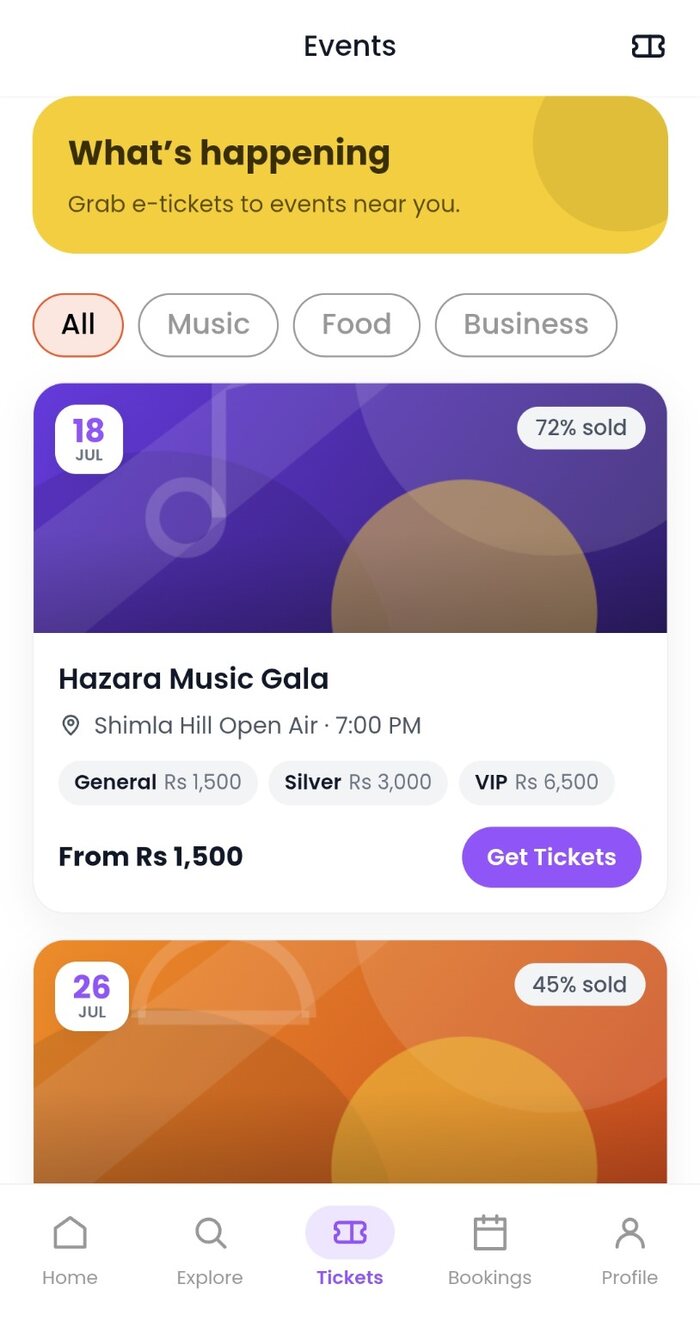
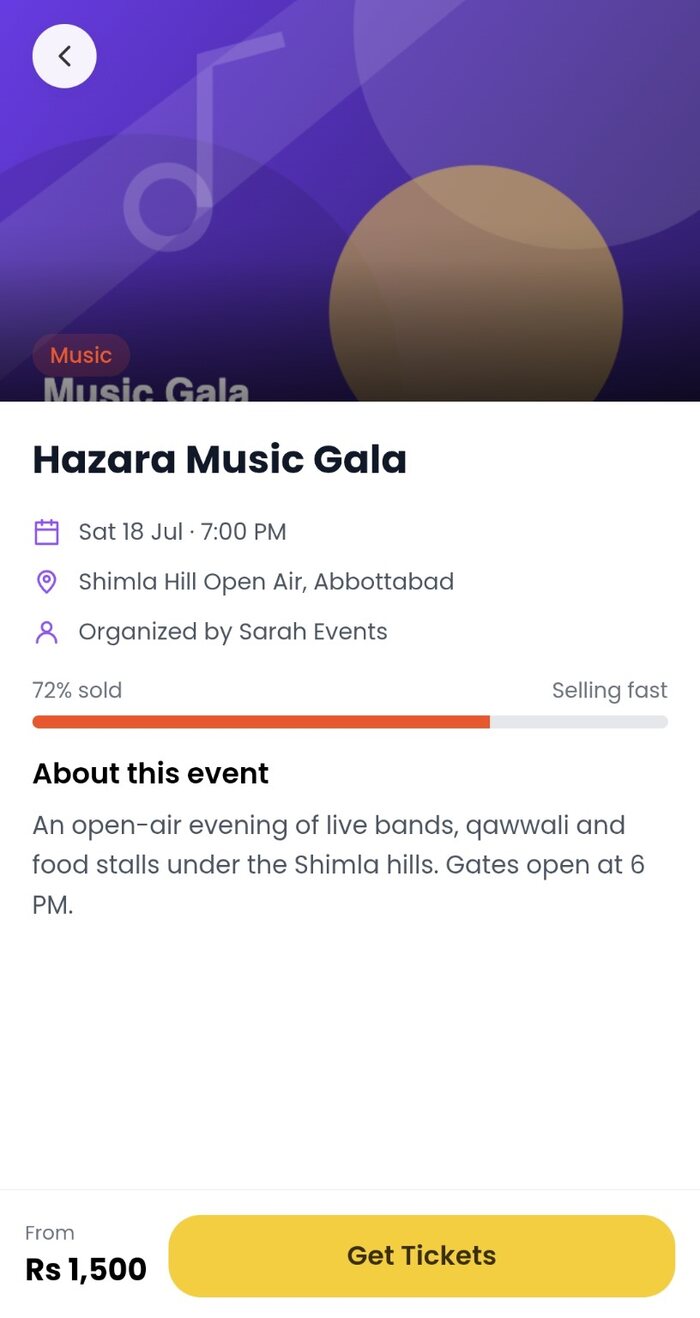
Browse public event listings and review the organizer, location, timings and available ticket tiers.
Move from event discovery to a QR credential without losing the details that matter: organizer, venue, schedule, ticket tier and entry status.
Planifya keeps the event and its digital ticket connected, so you can review what you bought and present the correct QR at entry.
Browse public event listings and review the organizer, location, timings and available ticket tiers.
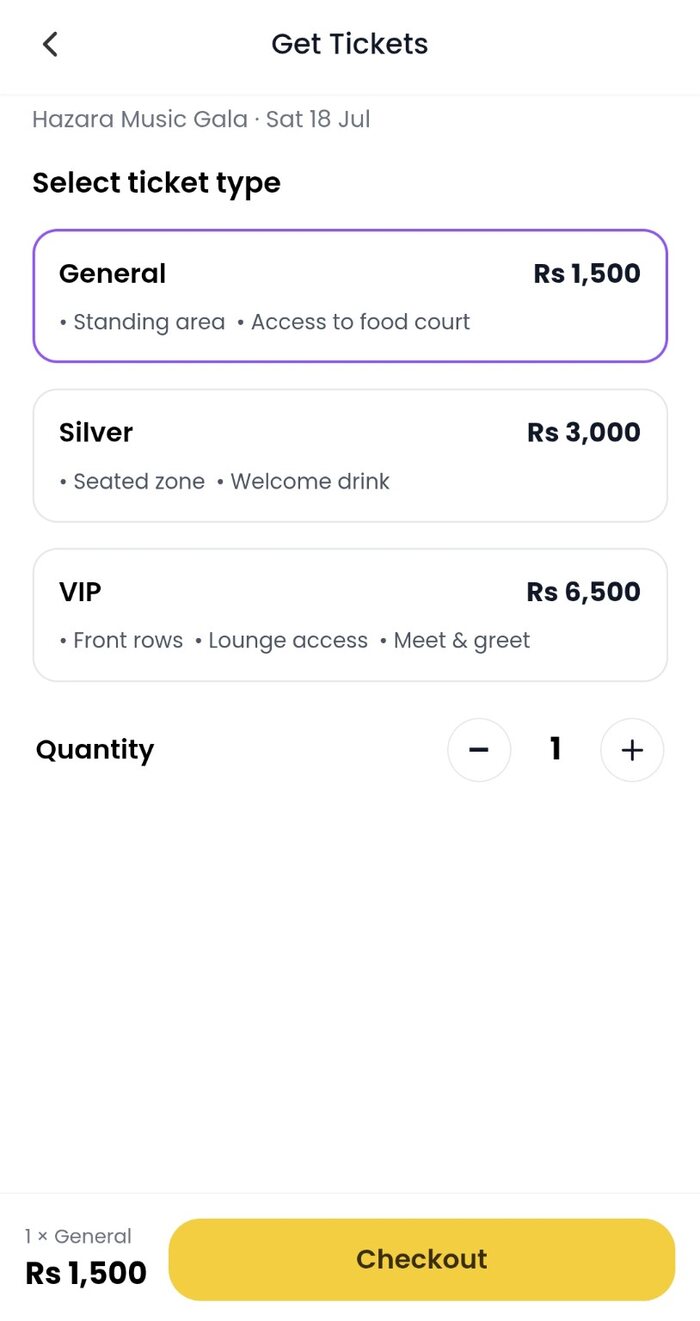
Select a tier and quantity, check the sales cutoff and attendee requirements, then review the order before payment.
Your issued e-ticket stays linked to your Planifya account with the event and ticket details.
Show the QR credential at the gate. The organizer scans it to confirm the ticket’s current entry status.
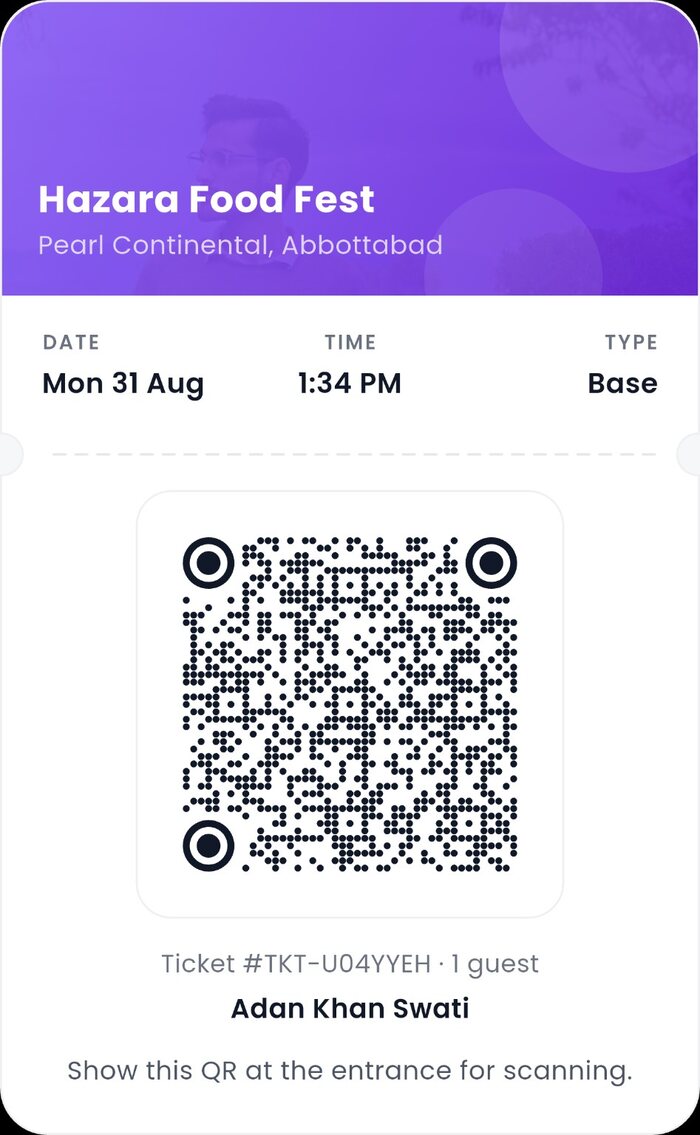
The ticket in your account carries its current Planifya status. That matters when a credential has already been used, an event changes, or support needs to trace the order.
Open the ticket from My Tickets and present the QR associated with that purchase.
Organizer scanning helps distinguish a valid ticket from one already used or otherwise unavailable.
Keep the event, order and transaction details available if a payment or ticket issue needs review.
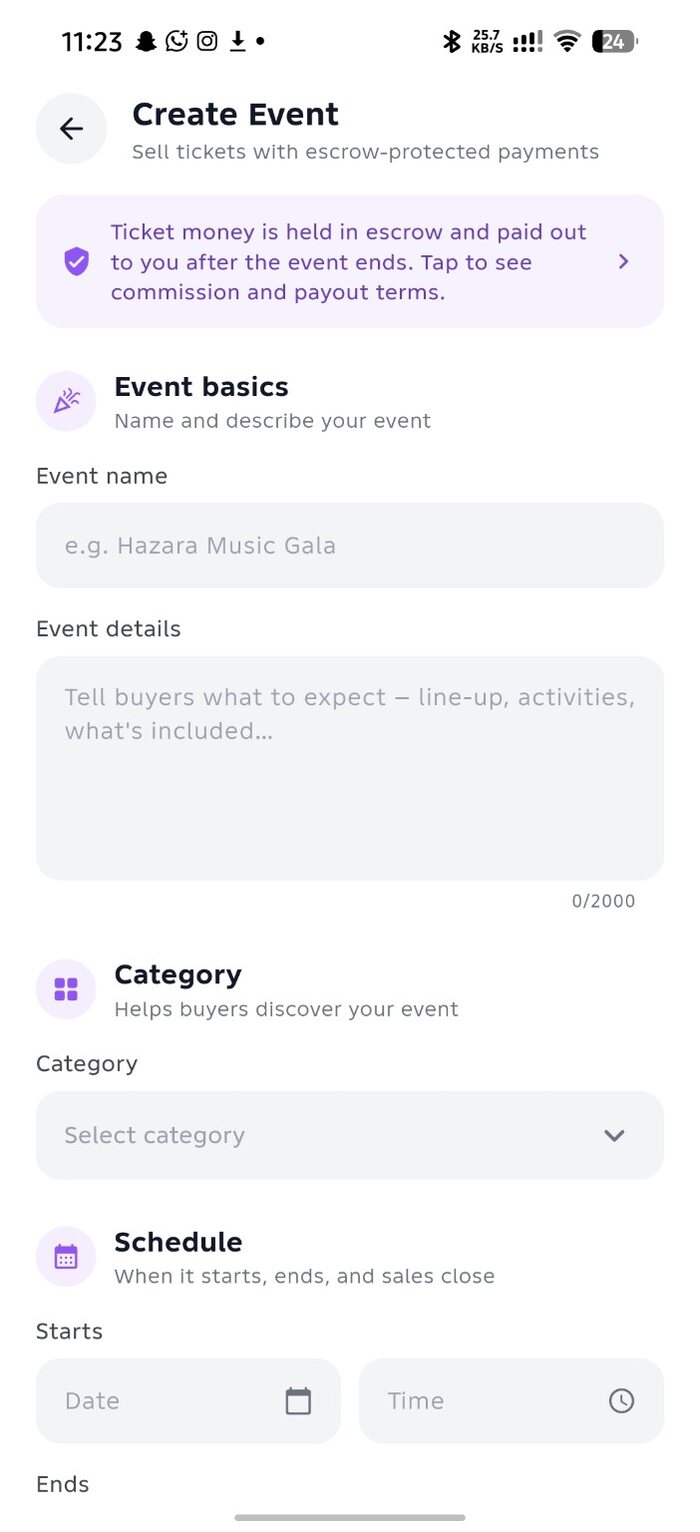
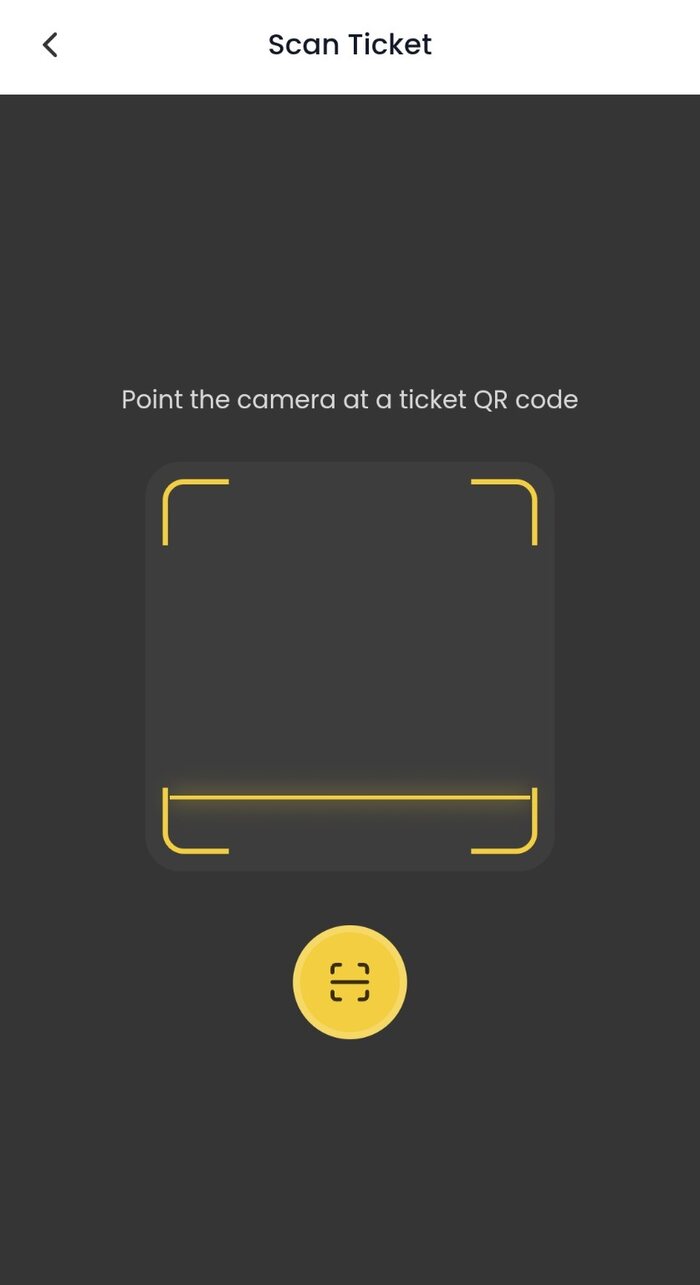
Approved providers can create ticketed events subject to Planifya’s event verification. Set the event details and ticket tiers, track sales, and use the built-in scanner at entry.
Review the venue, date, timings, ticket tier, capacity, sales cutoff, attendee requirements and event-specific terms before confirming an order.
Tickets are generally final for buyer change of mind unless the event terms, a Planifya exception or applicable law provides otherwise. Event cancellation or material changes are handled under the ticketing and refund rules.
Do not share your password, OTP, PIN, CVV or unrelated payment credentials. Only present the ticket QR when entry verification is required.